Seven practical tips for the success of e-commerce store applications

Seven Tips for Transforming an E-Commerce App from a Product Catalog into an Effective Sales Channel
An online store may feature a vast array of products and competitive prices, yet still fail to deliver the expected results. Success in mobile commerce requires careful attention to the entire customer journey—from product discovery and order fulfillment to repeat purchases.
Start with the first tip: understand your audience’s behavior before designing the store. The layout of sections, the way products are displayed, and the choice of payment methods should all be tailored to the specific nature of your customers and the products they are seeking.
The second tip is to highlight key products and compelling offers in easily accessible locations, rather than cluttering the homepage with too many elements that compete for the user’s attention.
The third tip is to develop a functional search engine that includes filtering options—such as price, category, brand, size, or other relevant attributes—to help customers make decisions more quickly.
The fourth tip is to focus on high-quality images and detailed product descriptions. Since users cannot physically touch or examine the products, their confidence in a purchase depends largely on the quality of the information presented to them.

Seven Rules for Retaining Customers After Their First Purchase in a Store App
While a high number of app downloads is a good start, true success lies in customers returning repeatedly to browse and make purchases. Therefore, an app must be designed to provide users with compelling reasons to keep it installed, rather than having them use it once and then delete it.
The first rule is to ensure the initial experience is simple, allowing visitors to explore products, prices, and categories without being forced to complete lengthy, unnecessary registration steps right from the start.
The second rule is to prioritize quick access to the products a customer is looking for, using categories, search functions, filters, and recommendations to minimize the time it takes to find the right item.
The third rule involves saving a user’s favorite products or their shopping cart, so they can easily return to items they were considering without having to search for them all over again.
The fourth rule is to provide accurate information regarding product availability; displaying an item as "in stock" only for it to be unavailable once the purchase process begins undermines customer trust in the store.
The fifth rule is to design a system of offers and rewards that provides genuine value, encouraging customers to return—rather than relying on random discounts that are unrelated to their specific behavior or interests.
Seven Tips to Reduce Customer Abandonment in Your Store’s App
A customer might find the right product and add it to their cart, only to leave the app without completing the purchase. This doesn’t necessarily mean the product is undesirable; rather, it may be due to minor details in the purchasing journey that make the process more difficult or less intuitive than the user expects.
The first tip is to minimize the number of steps between the cart and order confirmation—collect only the essential information and avoid breaking the process into an excessive number of pages without a valid reason.
The second tip is to clearly display shipping costs, additional fees, and the final total as early as possible, ensuring the customer isn’t caught off guard when they reach the final step.
The third tip is to offer a variety of payment methods tailored to your target audience, rather than relying on a single option that some users might be unable to utilize.
The fourth tip involves designing address and personal data fields for ease of use, with immediate error feedback—this prevents a customer from reaching the final confirmation stage only to discover they must re-enter a large amount of information.
The fifth tip is to ensure that the contents of the shopping cart are preserved if a user closes the app or pauses their purchase, allowing them to resume the process later from exactly where they left off.
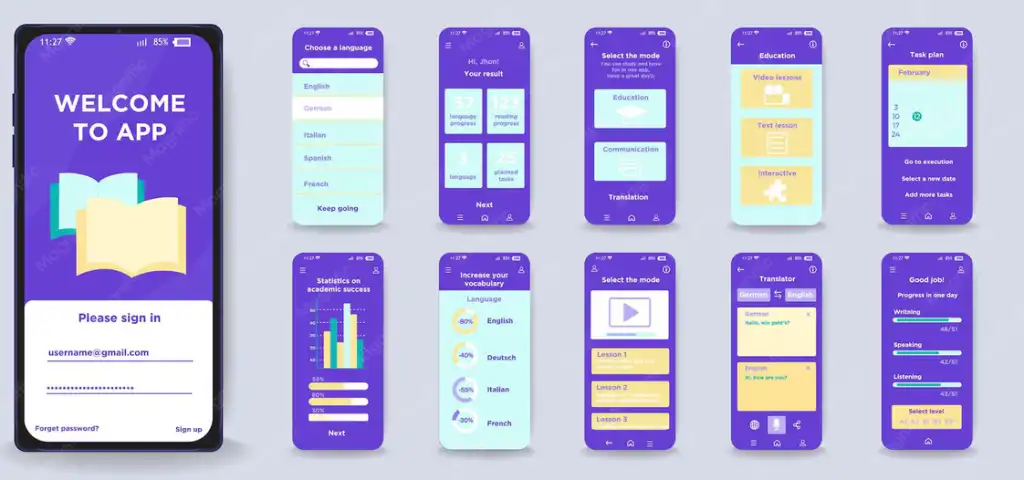
Seven Practical Ideas for Building a Fast Shopping Experience in Retail Apps
Mobile shoppers typically want to find products, compare options, and make purchasing decisions quickly. Therefore, the design of a retail app should focus on minimizing time and effort—without sacrificing the essential information a customer needs before making a purchase.
The first idea is to organize the homepage based on the customer’s actual priorities, ensuring that key categories, popular products, and relevant offers are displayed clearly, avoiding visual clutter that makes decision-making more difficult.
The second idea is to use clear, intuitive categories with names familiar to the user, rather than relying on internal terminology known only to the store’s management team.
The third idea involves developing a fast search feature that provides suggestions as the user types, helping them find products even when they only enter part of the name.
The fourth idea is to implement filters tailored to the specific nature of the products; for instance, a user shopping for clothing requires different filtering options than someone shopping for electronics or household goods.
The fifth idea is to design product cards that display essential information, allowing customers to make an initial assessment without needing to open each product page individually.
The sixth idea is to streamline the process of adding items to the cart, adjusting quantities, and selecting product specifications—ensuring these actions are direct and do not require unnecessary navigation across multiple pages.
The seventh idea is to accelerate the checkout process for returning users by securely leveraging saved data—such as shipping addresses or previous preferences—whenever appropriate.