How to define your application's features before handing it over to a software company

Identifying the Target User Before Choosing App Features
One of the most important things to determine before handing over app features to a development company is identifying the user who will rely on the app. A successful app isn't designed solely based on the project owner's wishes, but rather on the needs of the people who will use it frequently. Therefore, it's crucial to determine the users' age, the nature of their needs, their approach to technology, and the tasks they want to accomplish through the app. If the app is for customers, it's essential to understand what they are looking for and how quickly they want to complete the necessary steps. If the app is for employees or business owners, the focus should be on tools that help them manage, track, and make decisions. It's also important to determine whether the user needs to register before browsing content or can use certain services without creating an account. Furthermore, it's necessary to determine if they need to share their location, upload images or files, or make payments. These details directly impact the required features, interface design, database, and permissions system. By accurately identifying the target user, the development company can build a suitable user experience instead of creating an app cluttered with features that the audience may not use. This also helps reduce complexity within the app and ensures that each screen performs a clear and understandable function.
Identify Essential Functions
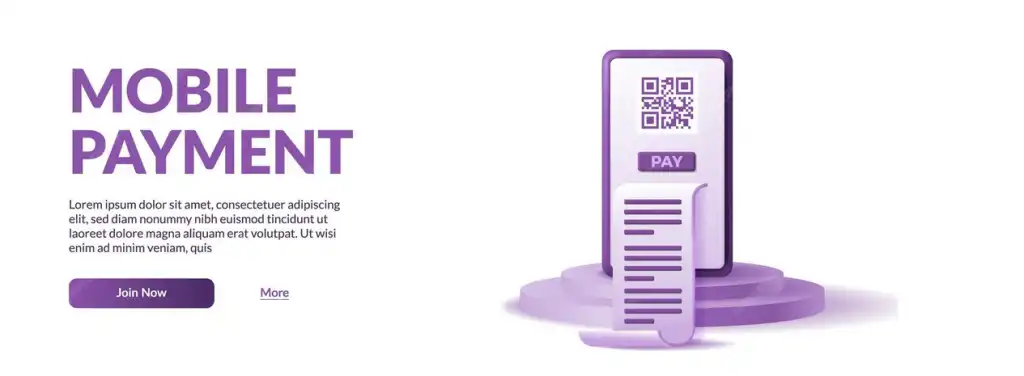
After defining the application concept and the target user, you must divide the features into essential functions that the application cannot operate without, and additional functions that can be implemented later. Attempting to implement all ideas in the first release can increase costs, complicate the project, and delay its launch. Therefore, it's best to create a clear list of the main functions, such as account creation, login, search, data display, adding products to the cart, order completion, payment, tracking, notifications, or any other functions related to the nature of the project. Then, determine whether each function is necessary from the outset or can be postponed to a future update. This division helps the software company better understand the project scope and estimate time and cost more accurately. It also prevents adding new features during implementation without studying their impact on the system. It's also beneficial to describe the function of each feature simply, rather than just stating its name. For example, it's not enough to say that the application needs a payment feature; you must specify the required payment methods, when the payment process occurs, how the transaction status is displayed, and what happens if it fails. All these details make the features document more useful and reduce the likelihood of misunderstandings during implementation.

Mapping the User Journey Before Handing the Project Over to Developers
Defining the user journey within the application is a crucial step that helps you identify the features you need before starting development. Users typically don't interact with a single, isolated feature but rather move from one step to the next until they reach their desired outcome. Therefore, you should visualize the user journey from the moment they first open the application until they complete the required task. For example, if the application is for e-commerce, the journey could begin with login or browsing, then searching for a product, opening the details page, selecting options, adding to cart, entering an address, choosing a payment method, confirming the order, and tracking its status. Through this journey, you can discover the screens and features the application requires at each stage. You can also identify points where the user might feel confused or abandon the application. This helps the designer and programmer build a clearer and smoother experience. Furthermore, mapping the user journey clarifies the relationships between different pages, data, notifications, and processes, preventing the creation of isolated screens with no clear connection. Therefore, it's best to present this journey to the development company along with a list of features so the project team has a complete picture from the outset.

Defining the Application Management Control Panel
When defining the features, you shouldn't only consider the user application itself, but also the control panel that the project owner or employees will use to manage the system. The control panel is the platform through which data is added and modified, and users, orders, sales, services, content, notifications, and other daily operations are tracked. Therefore, you should define the sections required for the control panel, the permissions for each employee, and the data that should appear in reports and statistics. You can also enable the creation of multiple employee accounts with different permissions for each account based on their role. For example, the employee responsible for orders doesn't necessarily need access to financial data, and the content manager might need to edit products or articles without accessing system settings. Furthermore, you should define the search, filtering, export, and tracking capabilities within the control panel. The quality of internal management directly impacts the application's efficiency, even if the user interface is excellent.