



Secrets to programming energy-efficient apps to ensure your app isn't deleted due to battery drain
Scheduling Psychology: Controlling Processor Wake Locks
The biggest problem with battery drain isn't just the work the app is doing, but preventing the processor from entering Doze Mode. In Grand, we program background tasks using Intelligent Batching techniques. Instead of each app service waking the processor individually, we group all requests (like data updates, report uploads, and photo syncing) and have them all executed within a single time window defined by the operating system. Using the WorkManager API allows us to set strict conditions, such as "This task will only be executed if the device is charged above 20% and connected to an unlimited network." This makes the processor work at maximum efficiency for a short time and return to sleep mode immediately, resulting in remarkable battery life savings.

Radio Power Conservation: A Strategy to Reduce Wireless Connections
The network modem (Wi-Fi/5G) is the number one enemy of battery life after the screen. Every time an application makes an HTTP request, the radio needs time to warm up and send the data, and then it remains active for a few extra seconds waiting for a response. In Grand, we implement Request Coalescing technology; instead of sending 10 small requests around the clock, we combine them into a single compressed request (Gzip) that is sent only once. We also use WebSockets instead of repeated polling, which keeps the connection idle as long as there is no new data, thus preventing battery drain caused by the modem running unnecessarily. The software control here aims to minimize radio activity time to the lowest possible level.

Dark Interface Engineering and GPU Optimization
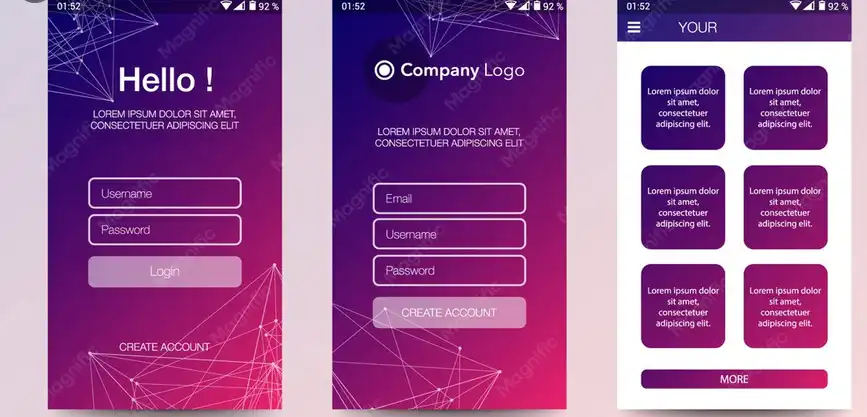
By 2026, most mobile phones will use OLED screens, which are "smart" screens that completely turn off the light on each pixel, creating a true black color (#000000). In Grand, we program True Black interfaces not just for aesthetics, but to literally "turn off" parts of the screen and conserve power. Additionally, we focus on minimizing overdraw, which occurs when the application draws elements on top of each other that the client cannot see, thus straining the GPU. We use interface inspection tools to ensure that each pixel is drawn only once, and we reduce the use of complex filters and transparency settings that require intensive CPU calculations for every frame that moves on the screen.

Profiling Tools: Early Detection of Energy Leaks.
True programming expertise is demonstrated during the pre-launch testing phase. We use Energy Profiler within the development environment to monitor a live graph of current consumption. If we notice a surge in power consumption after enabling a particular feature, we know that a thread is still running in the background or an algorithm has entered an infinite loop. We perform code refactoring to simplify complex calculations and transfer them to the server instead of the mobile device if they are straining the processor. At Grand, we believe that "green code" delivers the highest value to the user at the lowest cost to their device's lifespan, building a lasting relationship of trust that makes the customer never want to uninstall your app.