How the app and email dashboard help you continuously track your orders.
How do the dashboard and email provide a clear picture of your order?
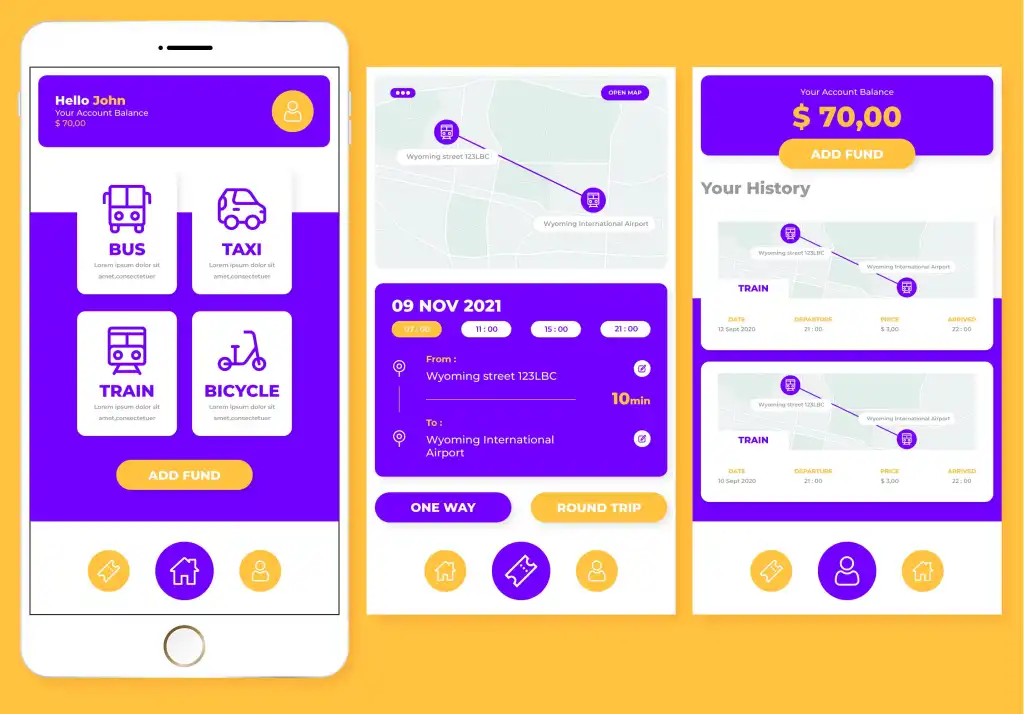
When an application relies on an integrated order management system, users receive continuous updates on their orders directly through the app, while the dashboard operates in the background to manage and update every stage of the order process.
Tracking begins the moment an order is placed; the system records the data and displays it on the administrator's dashboard, ensuring the order is handled according to established procedures.
As the order moves from one stage to the next, the administrator updates its status, and the change is immediately reflected within the app, in accordance with the system's design.
The system can also send email notifications for significant updates, providing users with an additional channel to stay informed without needing to open the app every time.
This integration enables users to stay updated on their order status in real-time, eliminating the need to repeatedly contact customer service for details.
Additionally, the dashboard can display more detailed information than what is visible to the user—such as customer details, product specifics, payment methods, addresses, and notes from the fulfillment team.
This data helps administrators handle orders with greater precision and ensures that the information conveyed to the user accurately reflects the order's current stage.

A More Professional Order Tracking Experience
Order-based applications require a clear method to keep customers informed about the status of their purchase or booking after it is placed. This highlights the importance of integrating a dashboard with email notifications to manage the order lifecycle.
When a user places an order within the app, the data is transmitted to a dashboard where an administrator can review the order, initiate fulfillment, and update its status according to established workflows.
Any update entered via the dashboard can be displayed to the user within the app; additionally, an email notification can be sent if the update requires immediate attention.
This approach ensures the user is not left waiting in uncertainty, wondering whether the order has reached the fulfillment team, entered the processing stage, or is ready for delivery.
The system also streamlines staff operations by consolidating all orders onto a single dashboard, eliminating the need to rely on fragmented communication across messages and phone calls.
Furthermore, the dashboard may include search tools—allowing orders to be located by ID, customer name, or date—thereby enabling quick access to information whenever needed.
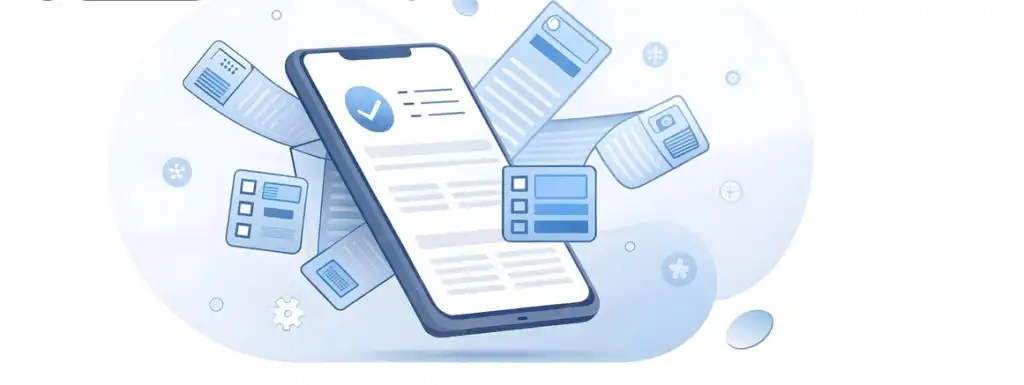
From Order to Delivery: Easily Track Every Step
The order journey begins the moment the user confirms the transaction within the app, but the user experience does not end there; the user needs to know what happens next to feel confident that their order is progressing correctly.
The dashboard manages the order from the moment it appears to the staff until fulfillment is complete, while the app and email handle communicating updates to the user at specific stages.
When the team receives the order, they can update its status; once processing begins, a new stage is logged, followed by the transition to shipping or delivery, and finally, order completion.
Users can view these stages directly within the app, rather than receiving only a generic message stating the order is "in progress" without further details.
Additionally, emails can be sent at key milestones, providing users with extra notifications so they do not need to constantly check the app.
This approach helps reduce anxiety associated with waiting, as customers know there are clear, accessible updates they can check at any time.
Track your orders seamlessly without contacting customer service
One of the features users of ordering apps value most is the ability to track their order status without needing to send a message or make a call every time they want an update.
Apps can facilitate this by offering a clear tracking experience based on a centralized dashboard, where order statuses are updated and information is relayed to the user in an organized manner.
Once an order is placed, it appears on the management dashboard; the responsible staff member can begin processing it and update its status as it moves through various stages.
These updates are visible to the user within the app, and the system can also send email notifications for significant status changes that require immediate attention.
This allows users to know whether their order has been received, prepared, shipped, or completed without having to ask staff for the same information.
This approach also saves time for the customer service team, allowing them to focus on cases requiring actual intervention rather than answering repetitive inquiries about order status.
The dashboard gives management a unified view of all orders and statuses, making it easier to identify processes that haven't been updated or require follow-up.
Internal alerts can also be set up to notify staff if a specific order remains in a particular stage longer than the allotted time.
This functionality helps improve execution speed and minimizes the risk of overlooking orders that require action.
At the same time, users can retain order-related emails for future reference whenever they need details about the process. Order numbers can also be included in messages, enabling customers or the support team to easily access the specific transaction whenever necessary.
This approach is particularly valuable for applications handling high daily order volumes, where manually tracking each order becomes difficult as activity scales up.
Furthermore, the system can be enhanced with reporting and analytics capabilities, providing management with insights into the causes of delays, completion rates, and the most high-pressure stages of the workflow.
Consequently, order tracking shifts from being a burden on customer service to an organized digital function integrated into the application and administrative system.
This results in a more convenient user experience while equipping management with the tools needed to handle orders and communicate with customers more efficiently.