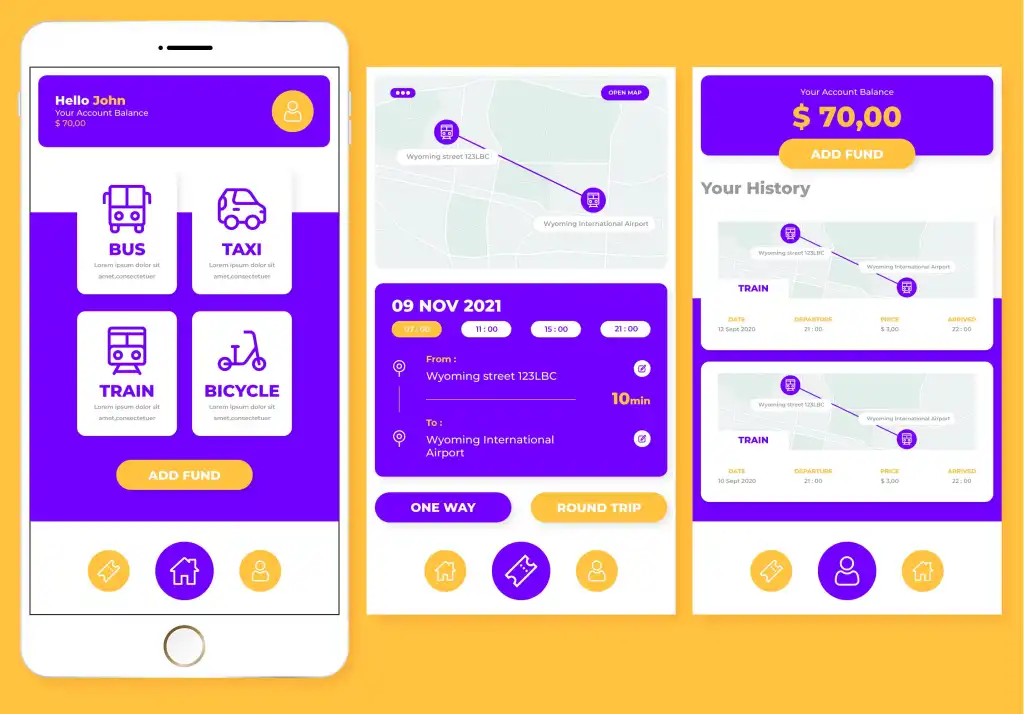
How linking the app to messaging and email services helps improve user tracking.
How Messaging Enhances the App Experience
Integrating an app with messaging and email services keeps users constantly informed about activity within their accounts.
Many digital processes require ongoing updates to build user confidence in the service.
Receiving a message immediately after performing an action assures the user that the system has successfully received their request.
Confirmation messages can be sent upon account registration, data updates, or the completion of a new purchase.
The app can also send detailed information via email when the content is lengthy or needs to be archived for future reference.
This integration reduces the need for users to repeatedly open the app just to check for information.
Every step becomes clear through messages linked to actual events within the system.
Notifications can also be sent when an order moves from the processing stage to shipping or delivery.
These simple details help alleviate the uncertainty users might feel while waiting for a service.
Automated alerts can be sent whenever there is a change affecting the schedule, price, or order status.
Apps can also leverage email to provide comprehensive summaries of past transactions.
This is particularly beneficial for commercial apps that handle large volumes of orders and transactions.
Easily track orders via automated messages
Order-based applications require a clear way to keep users constantly informed about the status of their orders.
Integrating the app with messaging and email services provides an automated method for sending these updates without manual intervention.
The system can send a message immediately upon order registration, displaying the transaction number and key details.
It can then send further updates when the order is accepted, processing begins, or it moves to a different stage.
These messages reduce the need for users to repeatedly check the app just to see their order status.
They also provide reassurance that the system is systematically managing the process from start to finish.
Notifications can also be sent when the order is out for delivery, providing the user with necessary information.
In the event of a delay, a message explaining the situation can be sent, preventing the user from waiting in the dark.
This approach enhances transparency in applications that rely on order fulfillment.
Email as a Smart Extension of Application Services
In modern applications, the role of email extends beyond merely sending registration messages or password recovery links.
It can be integrated into the application to serve as a key channel for tracking important user-initiated processes.
Email facilitates the delivery of detailed information that would be difficult to display fully within a brief notification.
Order summaries, invoices, reports, confirmations, and appointment details can be sent in an organized format that is easy to reference.
Welcome emails can also be sent to introduce users to the key services available after account creation.
These messages help guide users through the initial stages of using the application.
Instructions specific to a user's chosen service can also be sent, ensuring they know the next steps to take.
When a purchase is made, the system can send a message clearly outlining all transaction details.
Additional messages can be sent upon the completion of the process or whenever there is a change in its status.
This sequence assures the user that every step is being recorded and tracked within the system.

Reducing FAQs through Automated Communication
Integrating the application with messaging and email services helps reduce the volume of frequently asked questions (FAQs) reaching the support team.
Many users contact customer service simply to obtain information that could easily be sent to them automatically.
Examples include inquiries about order status, delivery times, or payment confirmation.
The system can transmit this information immediately upon a status change, rather than waiting for the user to ask.
This alleviates pressure on the support team, allowing them more time to handle cases requiring human intervention.
It also creates a sense of organized service, as users receive information without needing to request it every time.
A confirmation message containing all key details can be sent immediately after an order is created.
Users are then automatically updated as the order moves to a new stage.
If an issue arises, a notification can be sent explaining the cause and the steps needed to resolve it.
This approach prevents the ambiguity that typically leads to an influx of inquiries.
Email can also be used to send necessary instructions following the completion of a specific process.
Users can refer back to these instructions at any time, avoiding the need to contact support again.
Reminder messages can be sent when an action within the application remains incomplete.
For instance, users can be reminded to provide missing details, confirm an appointment, or finalize a payment.
These messages help resolve issues before they escalate into new support requests.
The messaging system can also be linked to the application’s database to retrieve real-time information.
This ensures that messages reflect the user's actual status, avoiding reliance on outdated data.
Messages can be personalized to include specific details such as order numbers, appointment times, or the user's specific service.
This clarifies communication and reduces the need to re-explain details. A complete record of sent messages can also be maintained via the administration panel.
This helps the support team understand the information the user has already received before responding.
Additionally, the company can refine its messages based on the most frequently asked questions from customers.